7. Execution details
Completion requirements
To access the Execution details section, you need to:
1. click on the appropriate service record within the List of Services
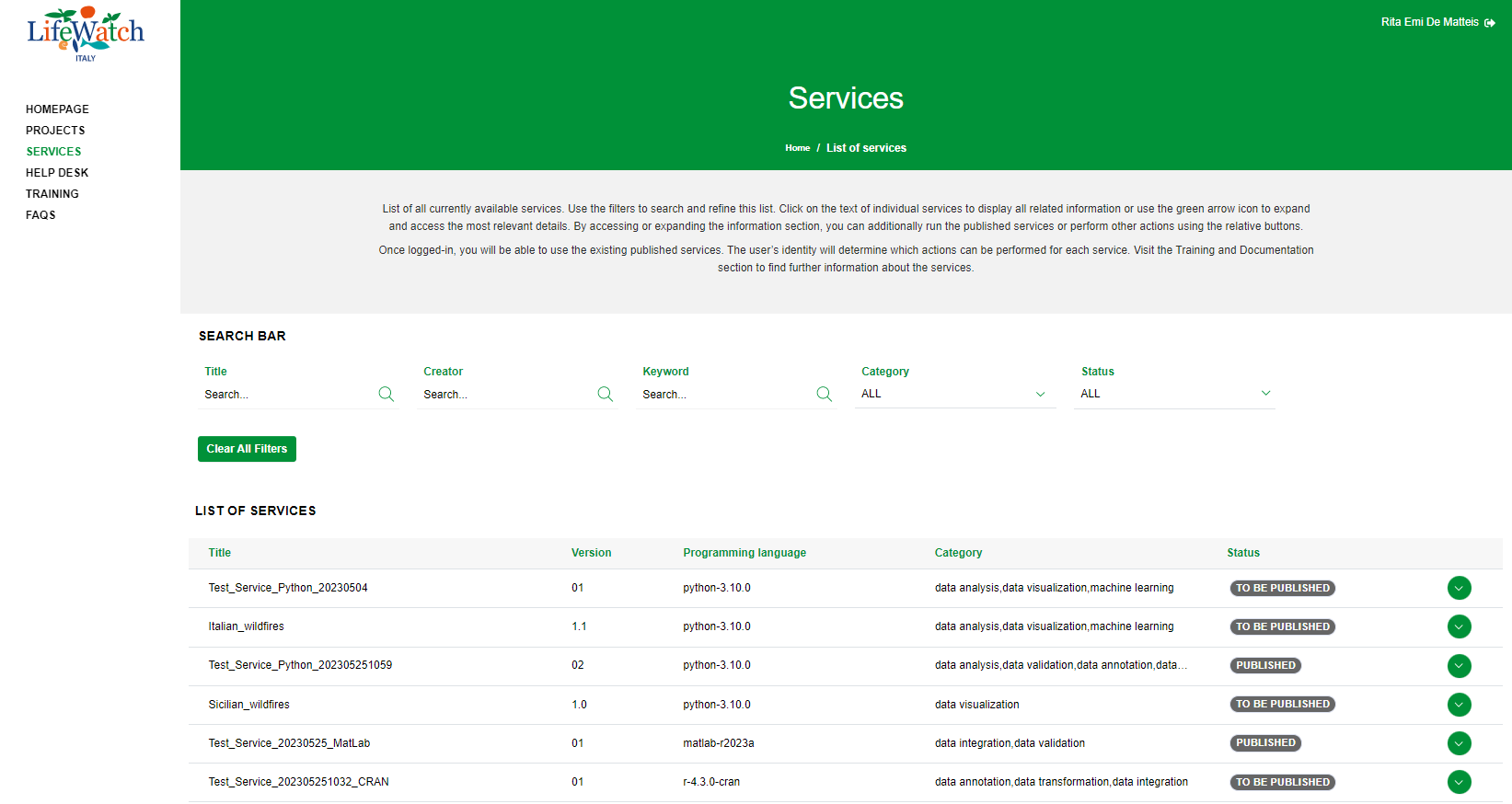
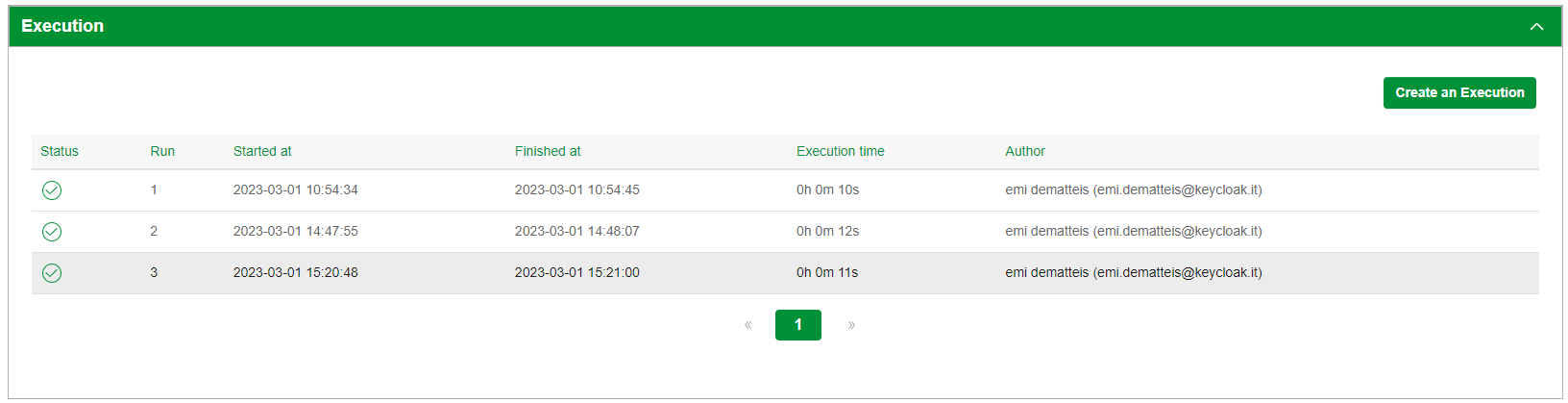
2. click on the Collapse icon to open the Execution accordion and click on the appropriate execution record
The page is organized into two main areas, Header and Content.
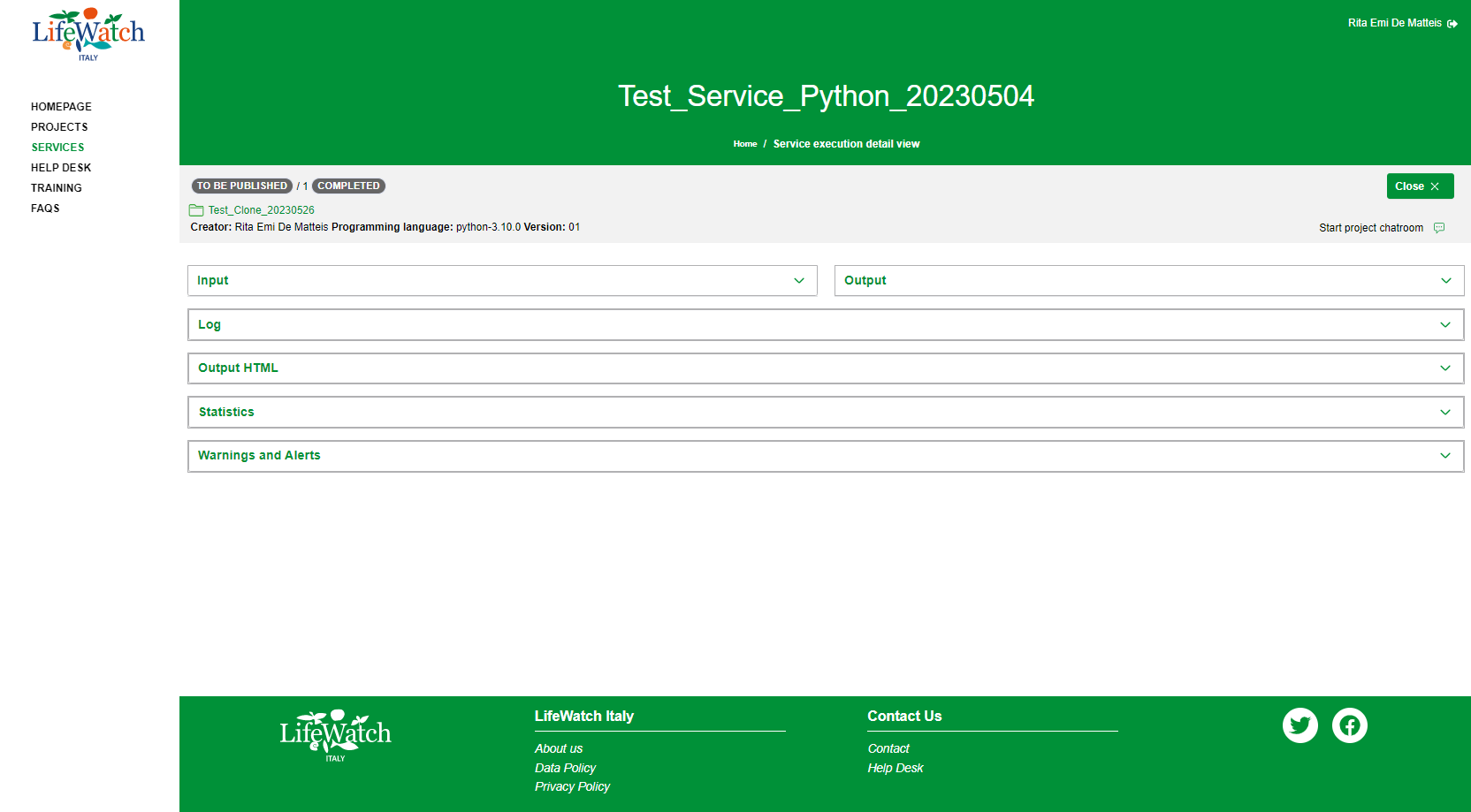
About to the Header, the data are arranged into two different bars:
- Logout button
- Username
- Project Information bar
while the Content contains the following information:
- Input
- Output
- Log
- Output HTML
- Statistics
- Warnings and Alerts
All details are described in the next paragraphs.